
Corporate UX/UI & Figma Training for Teams
Hands-on UX/UI and Figma training for product, design, and development teams. The programme is customised around your workflows, skill gaps, and product challenges, helping participants move from research and wireframes to tested, stakeholder-ready prototypes.
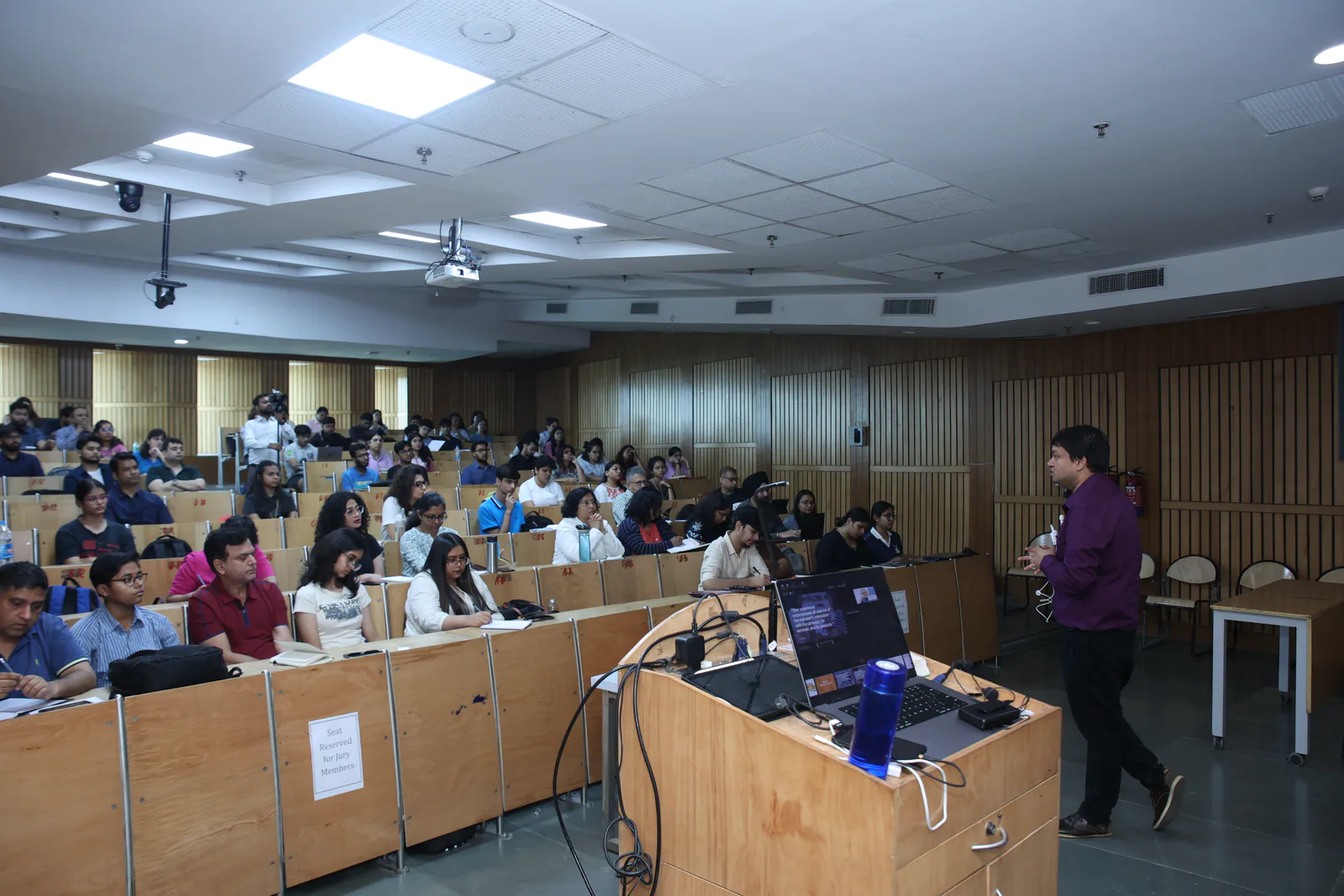
Who this corporate UX/UI training is for
Designed for UX and UI designers, product designers, researchers, developers, product managers, and cross-functional teams that collaborate on digital products.
What your team will learn
- Plan practical UX research using interviews, surveys, and competitive analysis
- Turn research findings into personas, journey maps, task flows, and experience maps
- Apply Design Thinking and Double Diamond frameworks to real product challenges
- Create low- and high-fidelity wireframes and interactive prototypes in Figma
- Plan usability tests, evaluate user behaviour, and convert findings into design improvements
- Build scalable interfaces using components, variants, auto-layout, and shared design libraries
- Present design decisions and research evidence clearly to stakeholders and development teams
- Improve designer-developer collaboration through consistent specifications, reusable components, and structured handoff
What this training helps your organisation improve
The programme is designed to improve more than software familiarity. It can help teams establish a shared UX process, improve Figma consistency, conduct more useful research, build stronger prototypes, and communicate design decisions more effectively.
- More consistent UX research and design processes
- Faster wireframing and prototyping workflows
- Better use of Figma components and design systems
- Stronger collaboration between designers and developers
- More evidence-based design decisions
- Greater confidence presenting work to stakeholders
Tools and frameworks
Figma · Adobe XD · Sketch · FigJam · Maze · Miro · Double Diamond · Design Thinking · How Might We · Jobs To Be Done
Delivery formats
- Onsite
- Live Online
- Blended
- Workshop (half / full-day)
- Multi-day Bootcamp
UX/UI training grounded in enterprise delivery
UX/UI, Figma, and Design Thinking programmes have been delivered for teams and professionals associated with organisations including Wells Fargo, Deloitte, KPMG, Siemens, Samsung, IIT Delhi, and others.
UX training for banking and financial-services teams · Enterprise training clients and case studies · About the trainer and certifications
What clients say
I had the pleasure of working with Vishu on a UX and Design Thinking training for our UI team at Wells Fargo. The way he engaged the team through the session with insights and live hands-on workshops was appreciated by all.
Mr. Vishu is a gifted trainer with a rare combination of patience, vision, and easy-to-understand teaching methods.
UX/UI and Figma training FAQs
Can the programme be customised for our team?
Yes. The curriculum is shaped around your team’s roles, current skill level, tools, workflows, and expected workplace outcomes.
Is this primarily a Figma course?
Figma can be a major part of the programme, but the training can also cover UX research, Design Thinking, journey mapping, wireframing, usability testing, prototyping, and design systems.
Can you train beginners and experienced designers?
Yes. The programme can be structured for foundation, intermediate, or advanced participants.
Is the training available onsite?
Yes. Training is available onsite across Gurugram (Gurgaon), Delhi NCR, India, and internationally, as well as live online or in a blended format.
Can we use our own product during the exercises?
Where appropriate and permitted, exercises can be aligned with your product, workflows, or representative organisational challenges.
Does the programme include design systems?
It can cover components, variants, auto-layout, reusable libraries, naming conventions, and designer-developer handoff.
Do participants need previous UX or Figma experience?
Not necessarily. Prerequisites are set according to the programme level.